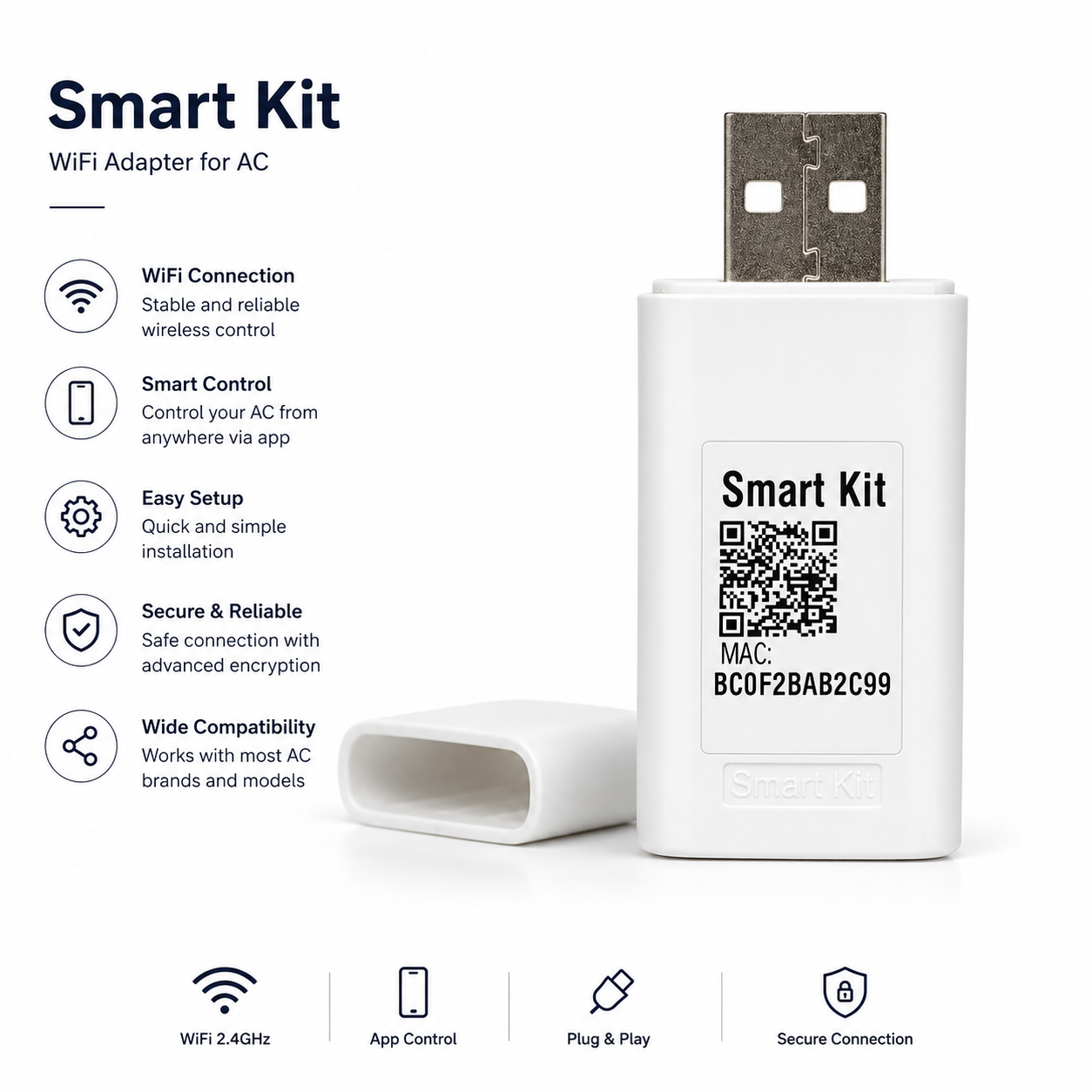
The Windy #7 Series Air Conditioner WiFi Cloud Programmable Remote Dongle is a smart add-on created to improve the performance and convenience of your Windy 7 Series air conditioning system. This compact USB plug-in device connects your air conditioner to your home WiFi network, allowing you to remotely operate and monitor your unit through a dedicated mobile app available on both iOS and Android devices.
Key Features:
Remote Control Access – Manage your Windy 7 Series air conditioner from anywhere using your smartphone.
Quick & Simple Installation – Plug the dongle into the indoor unit’s USB port, Activate AP mode by pressing the designated button on your remote control seven times, then follow the app's instructions to connect to your local Wi-Fi network.
Smart Home Connectivity – Uses WiFi technology for smooth integration with your home network and smart living setup.
Compact Modern Design – Finished in sleek white to complement your air conditioning unit.
Specifications:
Power Source: USB
Voltage: 5V
Color: White
Upgrade your Windy 7 Series air conditioner with the WiFi Cloud Programmable Remote Dongle for greater comfort and convenience. Control your indoor climate anytime and from anywhere, ensuring your space is always at the ideal temperature before you arrive.
Setup & User Instructions:
1. Connect the Midea-Mission USB Wi-Fi Smart kit to the indoor unit via USB interface
2. Install the app (iOS or Android) and have the QR code ready
3. Connect to WIFI and get started straight away:
• First make sure that your indoor unit is turned off
• On the remote control remote control, press the button 7 times at the bottom right of the control panel to activate the AP mode
• After activating the AP mode (WIFI APP mode), it remains switched on for 8 minutes and is identified by AP on the display of the indoor unit
• Open the app and select network configuration
• Scan the supplied QR code
• Select the local WIFI network and enjoy unlimited WIFI Comfort after entering the password.
SKU: W7ACWD